
Corporate Communications

Improve your Communications with Digital Screens

From franchise headquarters to local company offices, Screenfluence's digital signage for corporate communications increases employee productivity and satisfaction.

Deliver powerful communications
With limitless digital signage applications

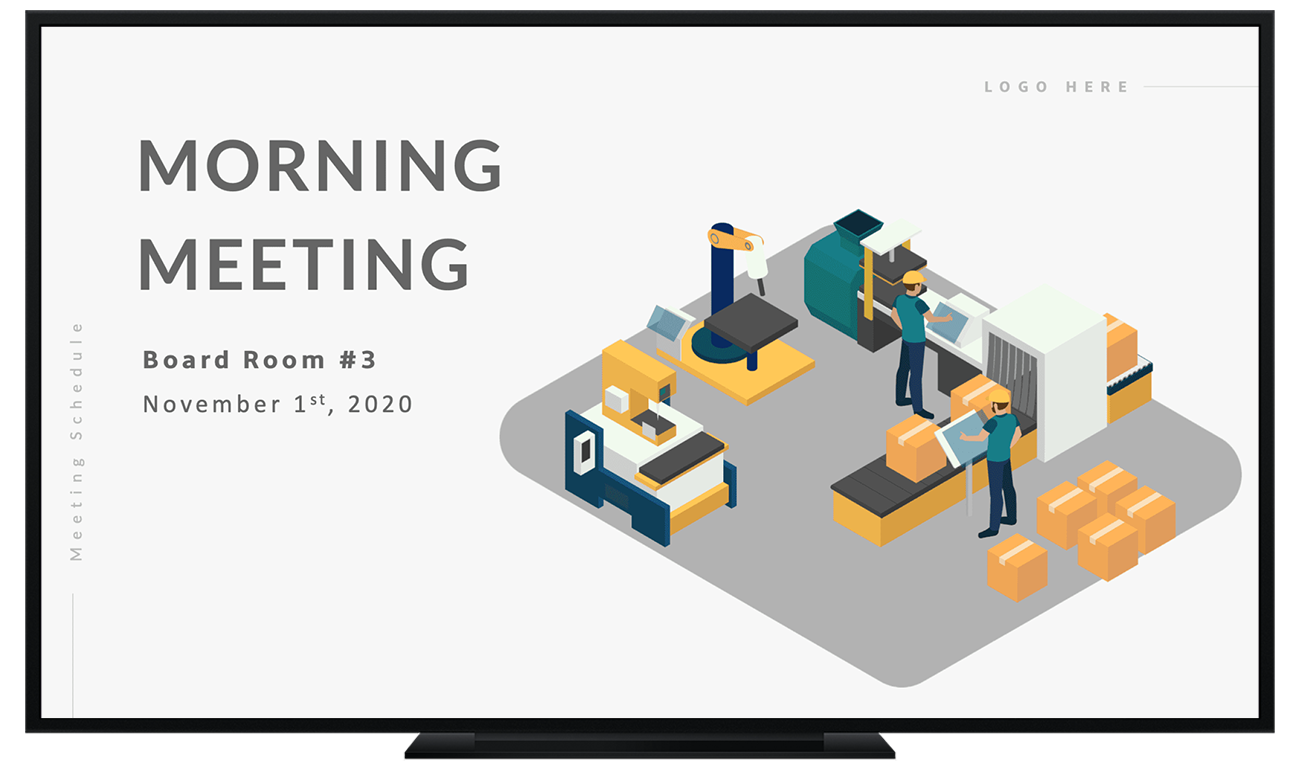
Meeting Room Screens

Make conference room bookings easier by sharing a digital schedule outside showing who is using a room now and when it’s next available.
Employee Bulletin Boards

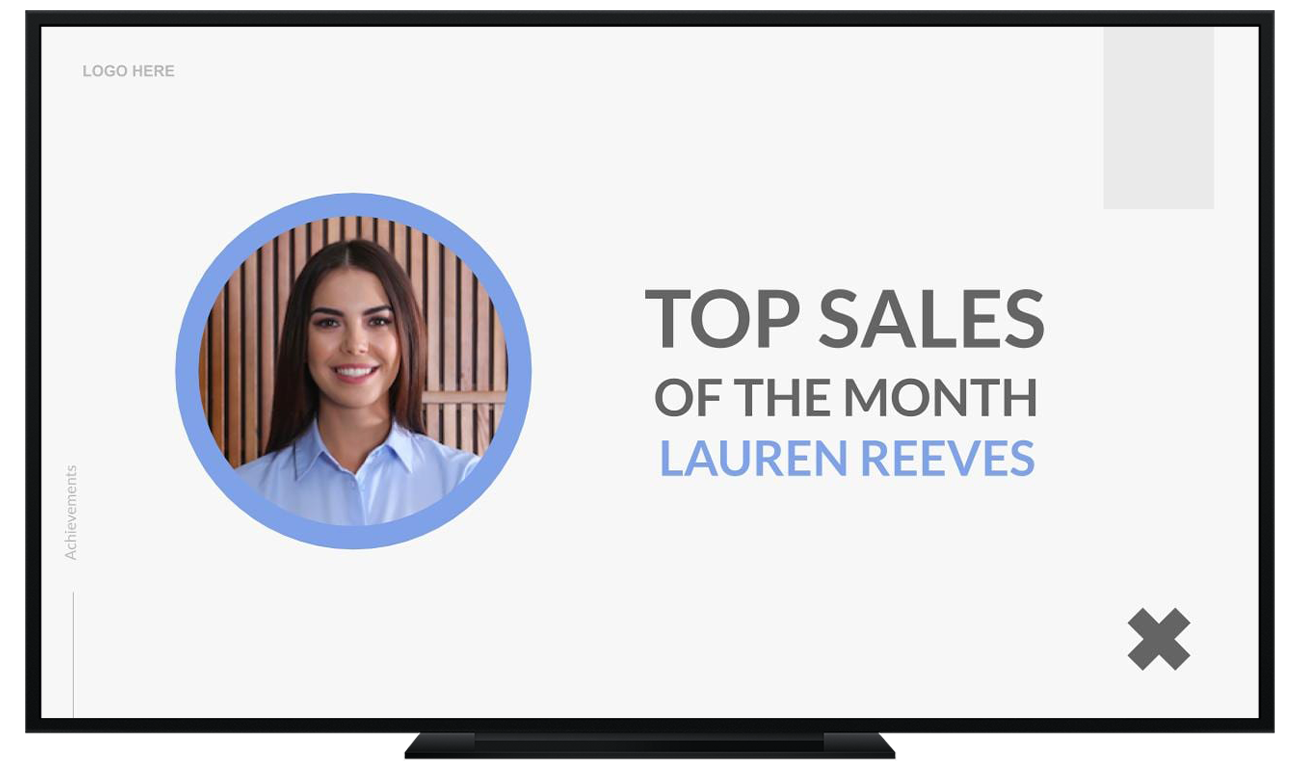
Display HR notifications, upcoming events, corporate updates, daily and weekly task reminders and safety procedures.
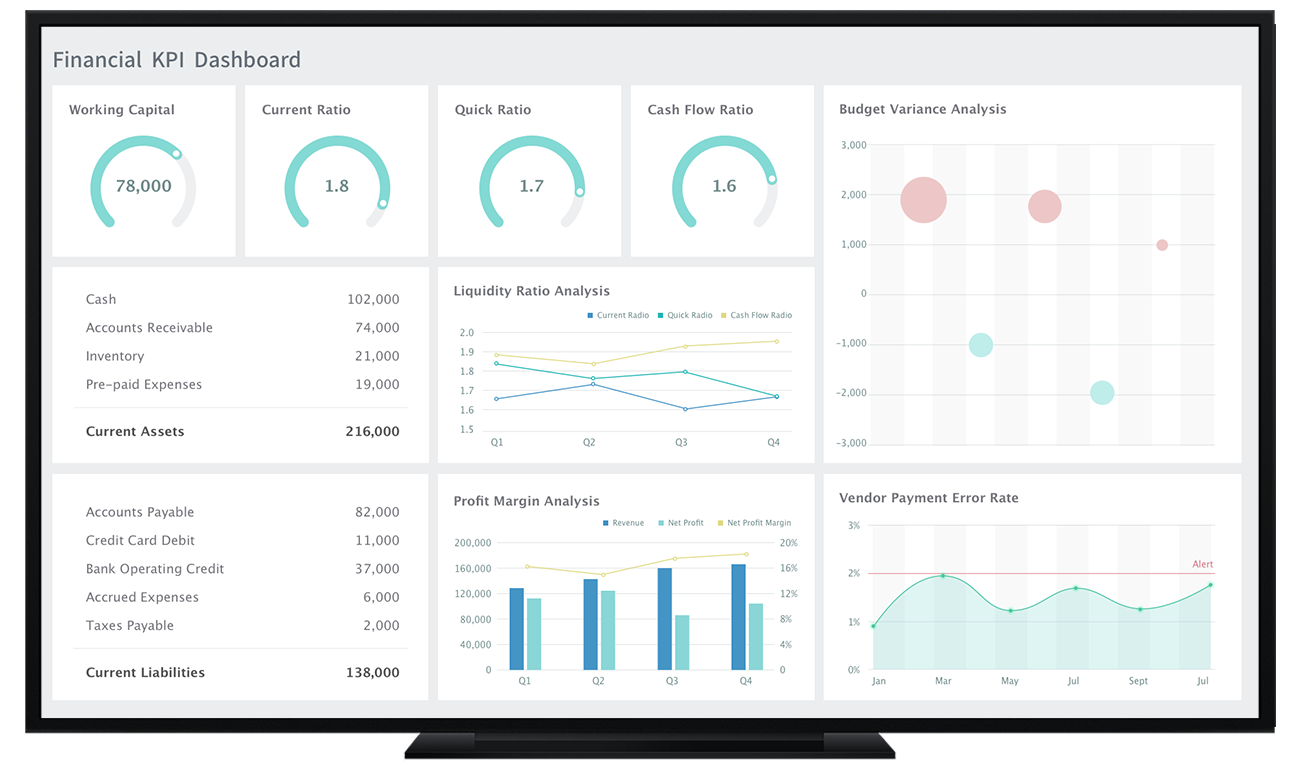
Company Dashboards

Share performance metrics, sales data, KPI charts and big picture plans to keep your teams motivated and always in the loop.
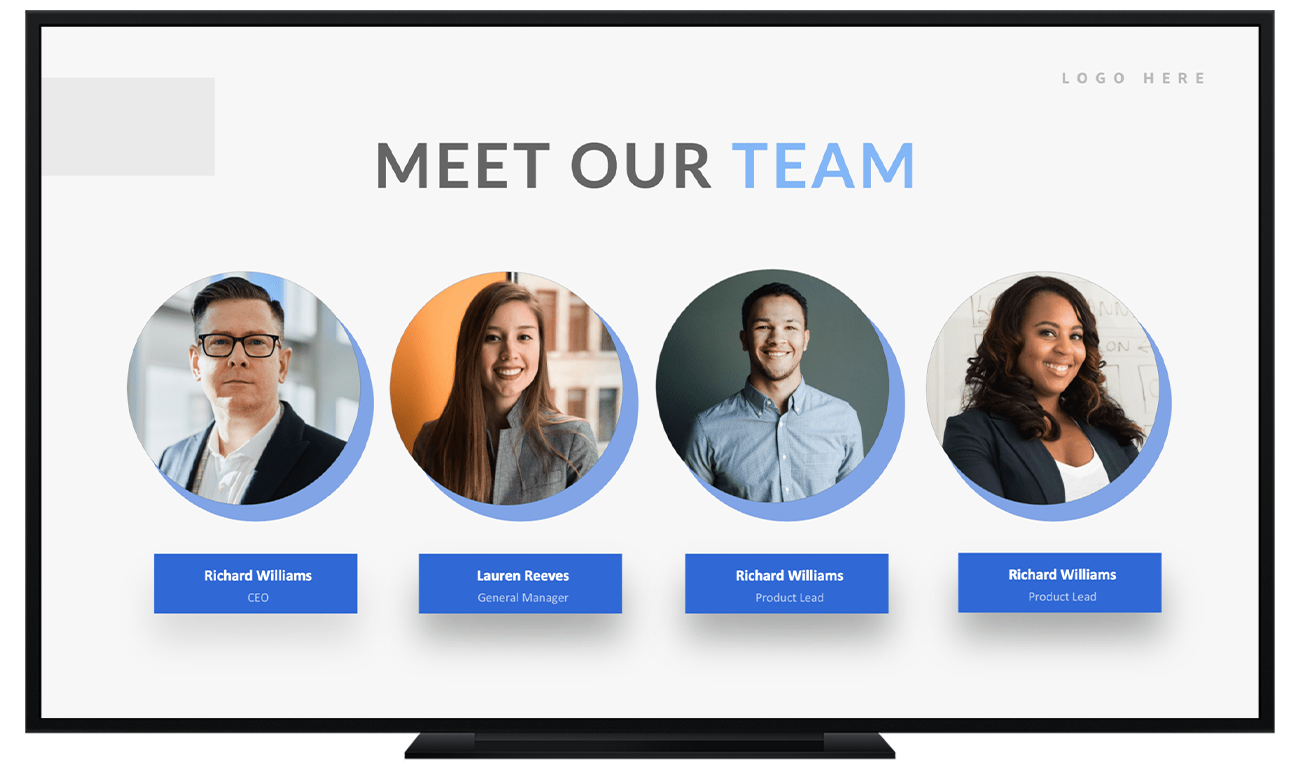
Welcome Displays

Entertain and celebrate your employees by displaying their milestones and accomplishments, company social media feeds and staff birthdays.
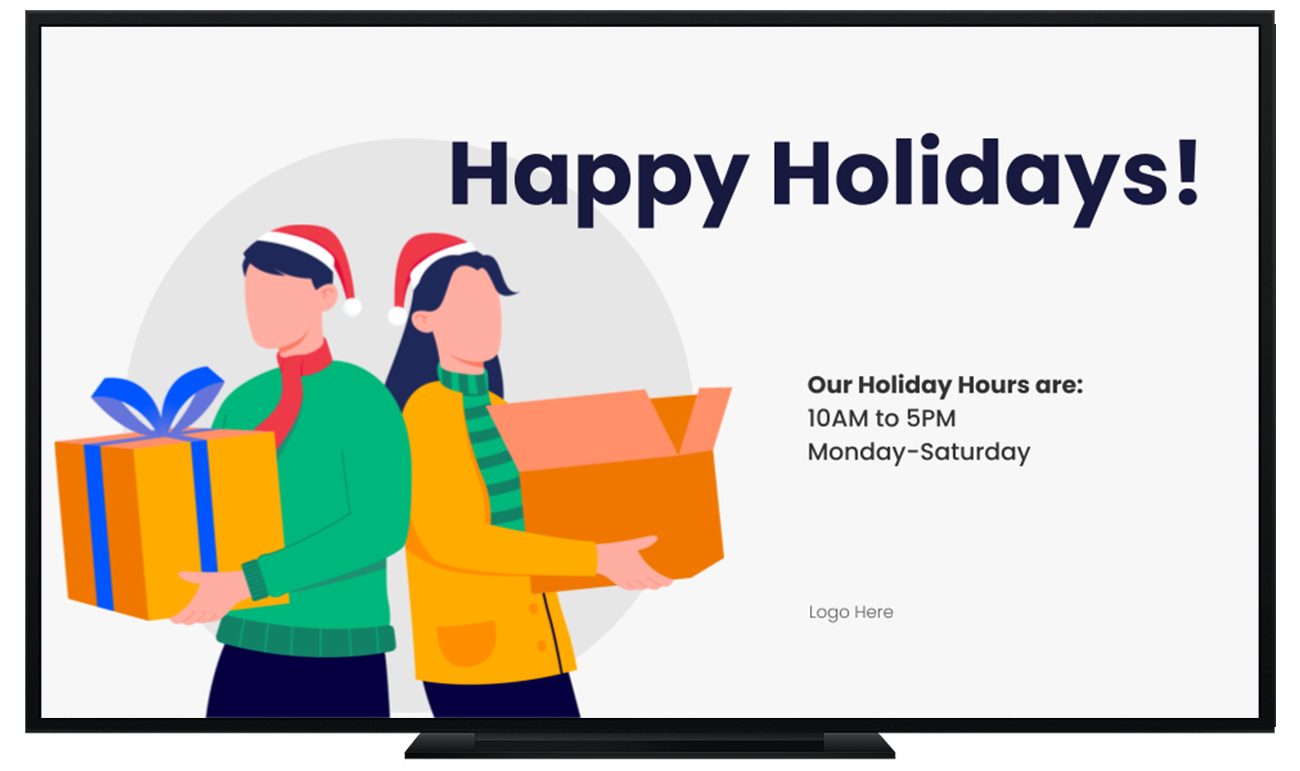
Office Message Boards

Coordinate employee communications at the local, regional and national level and share messages from the CEO or other executives.
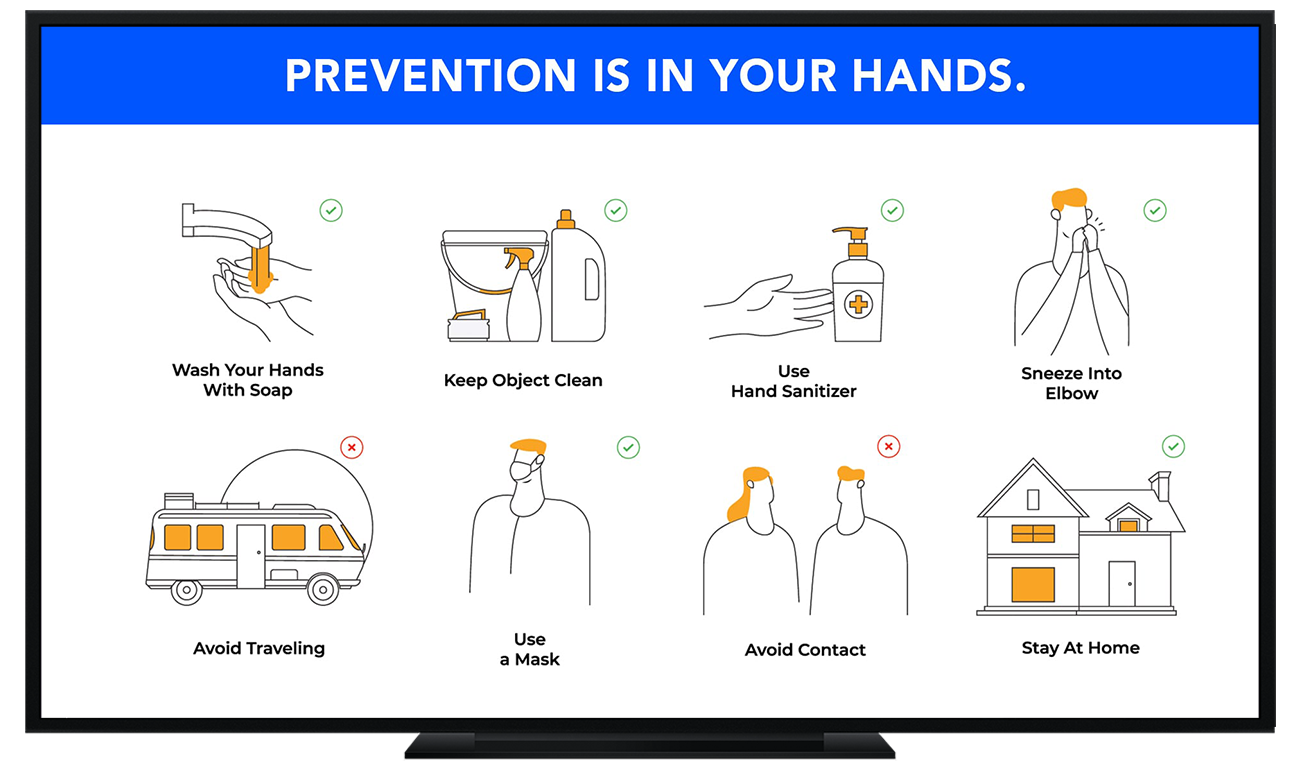
Training Video Displays

Provide refresher tutorials and educate staff on new programs, services, and products along with industry news through video instead of boring manuals.

Easy to Use

Set up your Digital Screens in minutes

Getting started with Screenfluence is a breeze. No tech skills needed. Just a few simple steps, and you’re ready to go.

  • Free Introduction Training We teach you the basics to make your signage shine.
  • Unlimited Support We’re here for you 24/7 with free, unlimited help.
Plug & Play

This tiny device is all you need

With our intuitive software, you can create, manage and schedule your content. It's all right there, ready to go.

  • Simple Setup, Instant Results Get your digital signage up and running in minutes. No complicated installation or technical expertise is needed.
  • Connect Your Favorite Apps Simple integration with third-party apps. Enjoy the flexibility to display content from a variety of sources
Trusted Partner

You're in Good hands.

Trusted for communications by 100+ leading businesses worldwide.

Don’t take it from us

What our customers
have to say?

Hear it directly from those who matter most—our customers.

"What I like the most is that I can literally teach a user how to use the software in five minutes. It makes my job easy and I can have others working with the product. The price of the software really is something that I have to mention, and the costumer service is superb."

Luis P.

Production Manager in U.S.

"We are given the ability to control our own content which allows us to tailor the content to get the maximum return. We use multiple screens in both our waiting room and op rooms to educate patients about their upcoming procedures. We have also created some custom content to help showcase some of our services."

Dr Robert

Dentist in Canada

"Great way to promote products to customers. Our waiting room screen has allowed my customers to know more about my business. This has reflected in increased sales and industry knowledge."

Natasha

Executive in Canada

"Outstanding! 1st rate customer service. Very easy to set up. Plug and play basically. Allows you to display all your pictures and advertisements. A huge factor for me was having our @MuscleliciousFoods Instagram feed show up on the screens. Brilliant and very affordable. Thank you Team ScreenFluence!"

Cipriano

President & CEO in US

"We have a screen in our waiting room to help educate current clients and potential new clients. The software is reliable and easy to use - updating content is rather easy and new content is automatically pushed to the terminal."

Angelica

Lawyer in Canada

How does it work?

Get up and running in 3 simple steps.

Initial Setup

Add your content

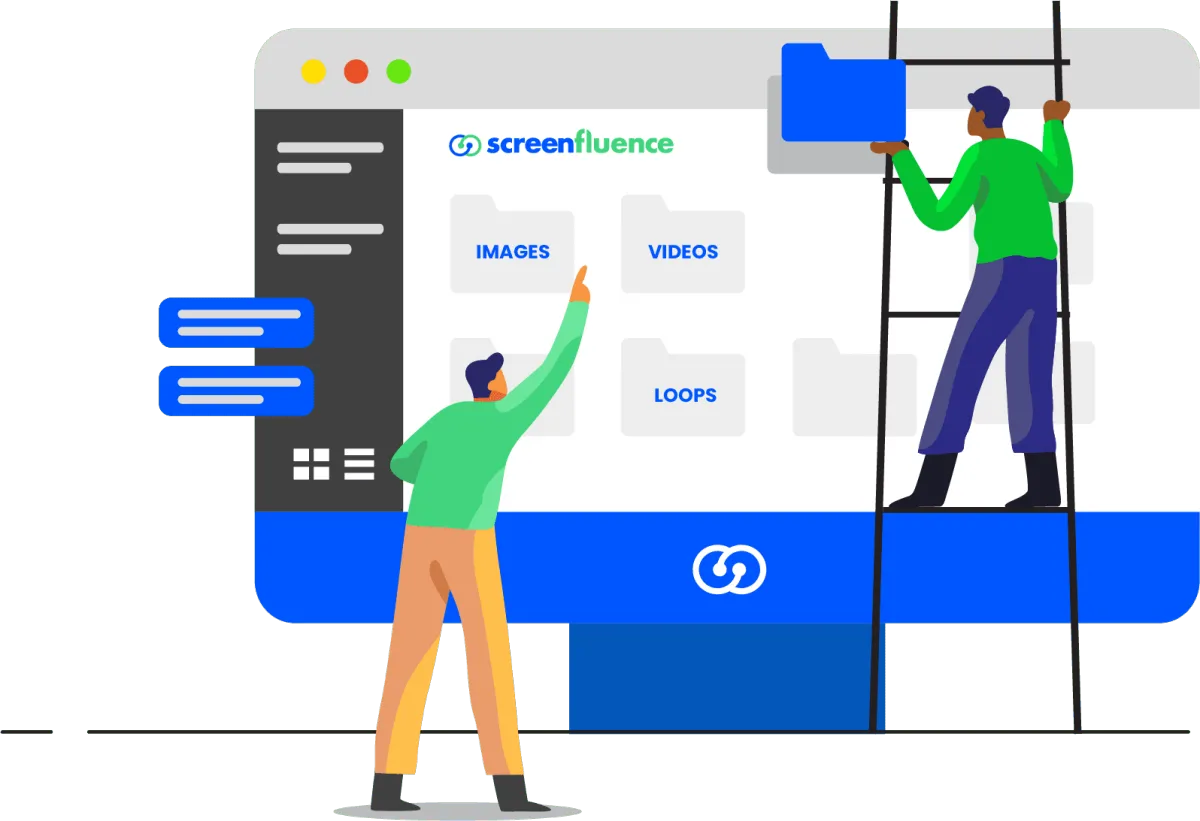
Drag and drop to add as many images, videos and presentations as you want. Once the files have successfully been uploaded to our vault, you can create folders to keep your library organized. 

Gameplan

Create your loops

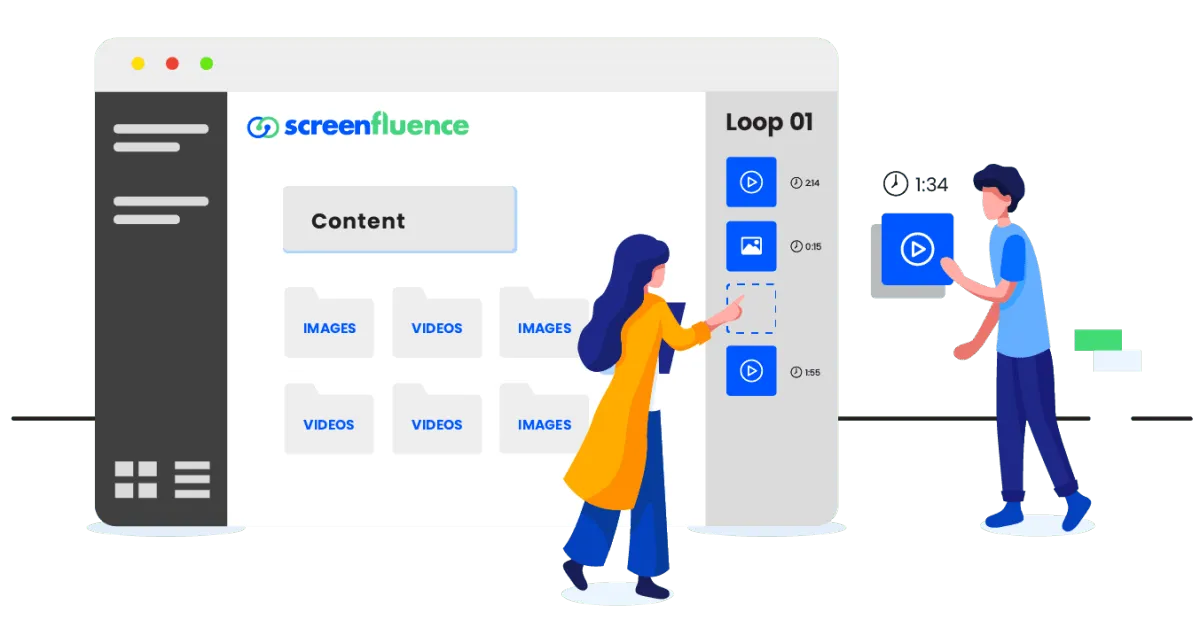
Loops act as content playlists to rotate on your digital signage screens. You can create as many loops as you like and use different playlists to achieve different goals. 

Execution

Schedule your content

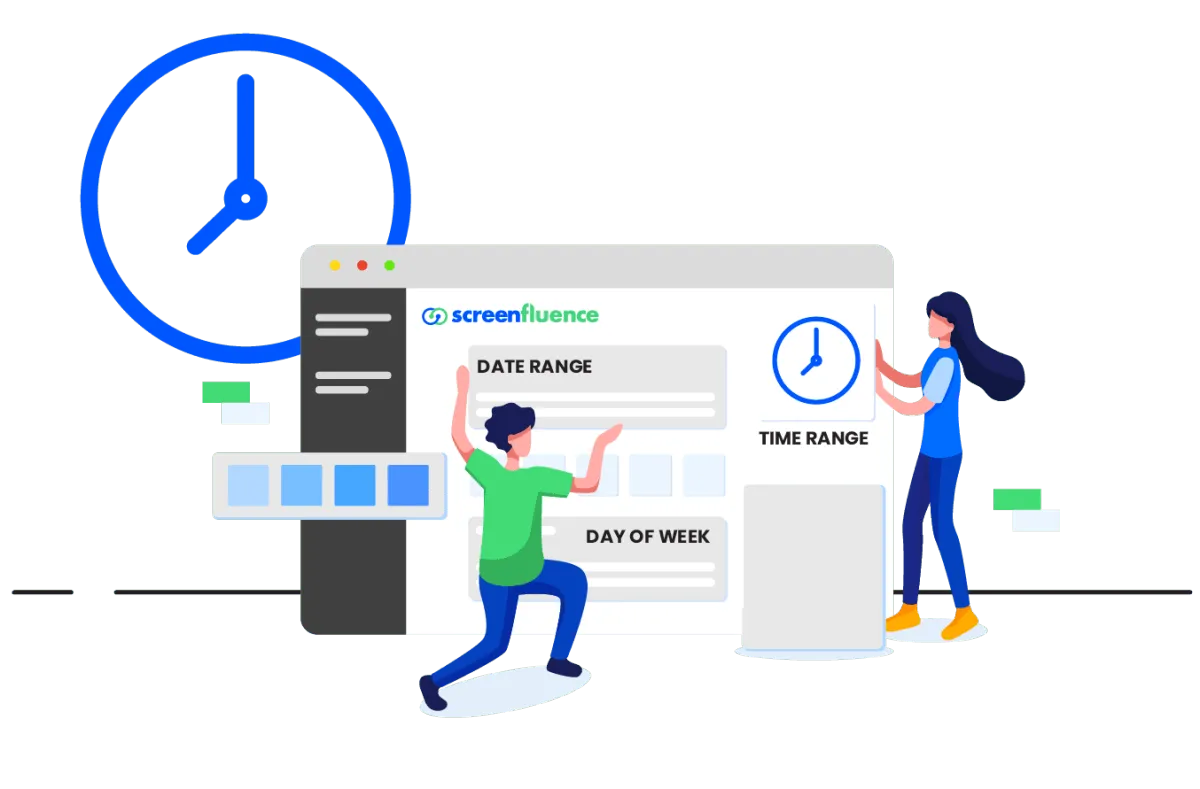
Schedule digital display content to play at a certain time, day or week, or on a specific date. You can even set it to appear and expire on the dates that you choose. 

Template Library

Save the hassle with our
Pre-Made Templates

We’ve got options for over 11 categories, so you can find exactly what you need to get up and running in no time. Just pick a template, tweak it to your liking, and you’re good to go!

FAQs

Questions? We're glad you asked.

We've compiled our most frequently asked digital signage questions to help you get started.

Yes. We don’t limit the number of users, and we don’t charge per user.

On average it takes between 2-3 minutes for your digital signage screens to update, although it can be configured to be faster.

When logged into your portal, you can see which players are online or offline and when they last connected.

Screenfluence digital signage player only needs the internet to receive updates.

Yes, Screenfluence digital signage solution offers email, and phone support.

No. You can use Screenfluence on a monthly basis.

Yes, in conjunction with an HDMI matrix a single digital signage player can support a video wall.

No. One player is needed per screen or digital display.

Simply Pick a Time

Discover How Your Company Can Benefit from Digital Signage

The perfect way to keep your staff & customers engaged.